Buttons and switches


Buttons and switches are the most common input hardware used with MobiFlight.
For information on how many buttons can be connected to a board, see the boards documentation.
Popular options
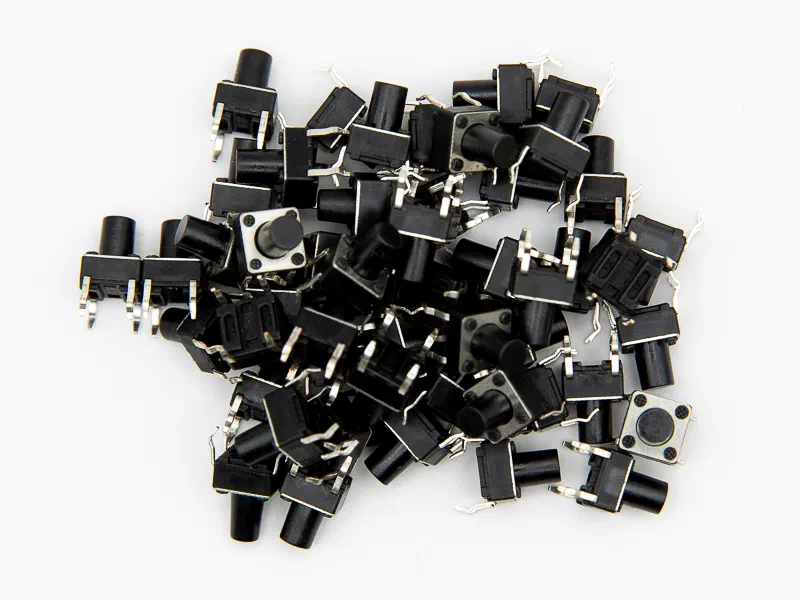
Tactile buttons
Tactile buttons are used for cockpit controls that are pressed rather than toggled. They are widely used for autopilot, G1000, PFD and MFD panels, and flight management computers.
The most common version is a 6x6mm tactile mini push button. Custom-designed PCBs often use tactile buttons with an integrated LED for backlighting.
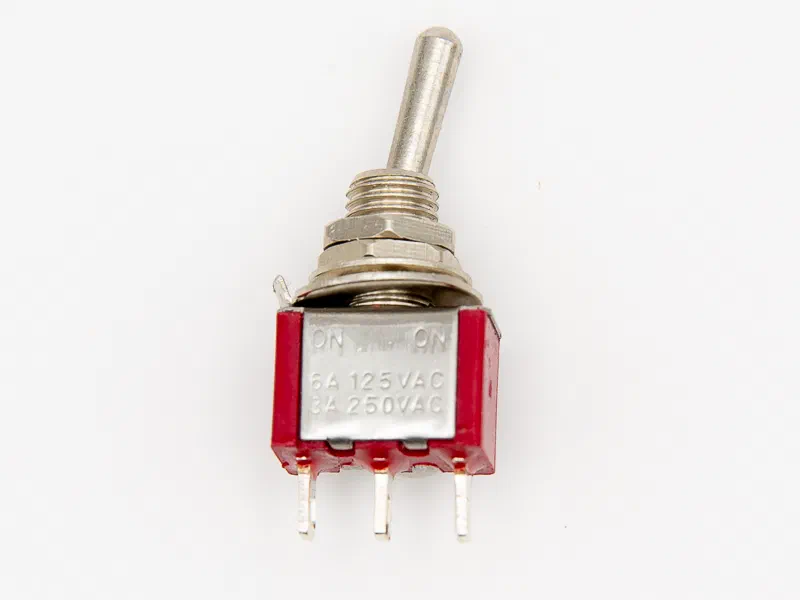
Toggle switches
Toggle switches come in many varieties, all of which are useful for cockpit building.
Two-position switches are typically used to control parking brakes, lights, main battery, and avionics power. These switches connect to one pin on a board. Variations include:
- ON-ON and ON-OFF: The handle is in either of two positions. This is the most common two-position switch.
- (ON)-ON and (ON)-OFF: The handle is in either of two positions, but must be held in the ON position. Releasing the switch returns it to the other position.
Other options
Buttons and switches come in a near endless variety. Here are some other variations that are useful for custom cockpit builds.
- 16mm round momentary switches with LED are useful for radio panels.
- 6x6 LED lighted tactile buttons are commonly used in FMC custom PCB designs that require backlit buttons.
- 6x6 tactile switches are SMD micro buttons with a long handle. They are available as a JLCPCB part, making them a convenient option when using the JLCPCB SMT service.
- Korry look-alike square push buttons with integrated LED are panel mounted with long travel.
- Large (ON)-OFF-(ON) toggle switches with a square shaft have a removable handle. They are useful as a 3D printed up/down flap lever.
- Push-pull switches have a removable knob. They are useful as a fuel cutoff switch or alternate static air switch.
- Rotary switches are useful for prop plane magneto switches.
- Self-locking solenoids are a good option for making replica circuit breakers.
- SH T80 toggle switches have an anti-mishandling feature and are panel mounted. They are an option for fuel cutoff levers.