Settings reference
Modules dialog
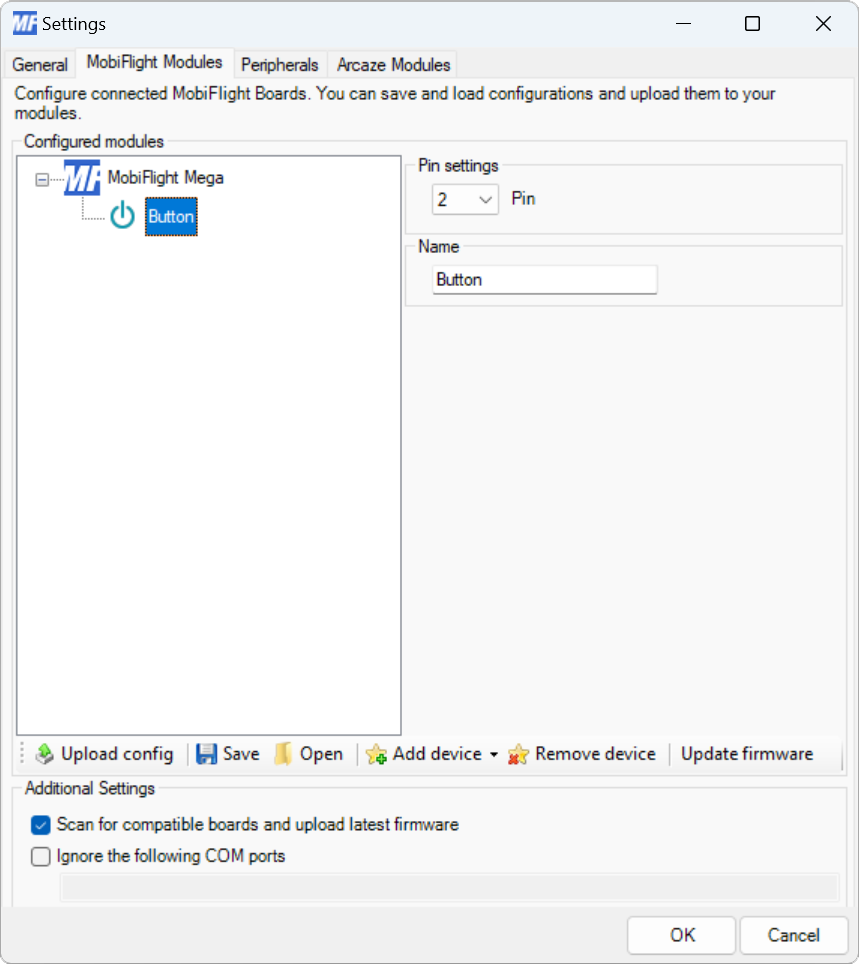
| Setting | Description |
|---|---|
| Pin | The board pin connected to the button. All digital and analog pins are supported. |
| Name | The name for the button. Displayed in the input configuration dialog to identify the button when mapping the button input to a simulator event. |
Input configuration
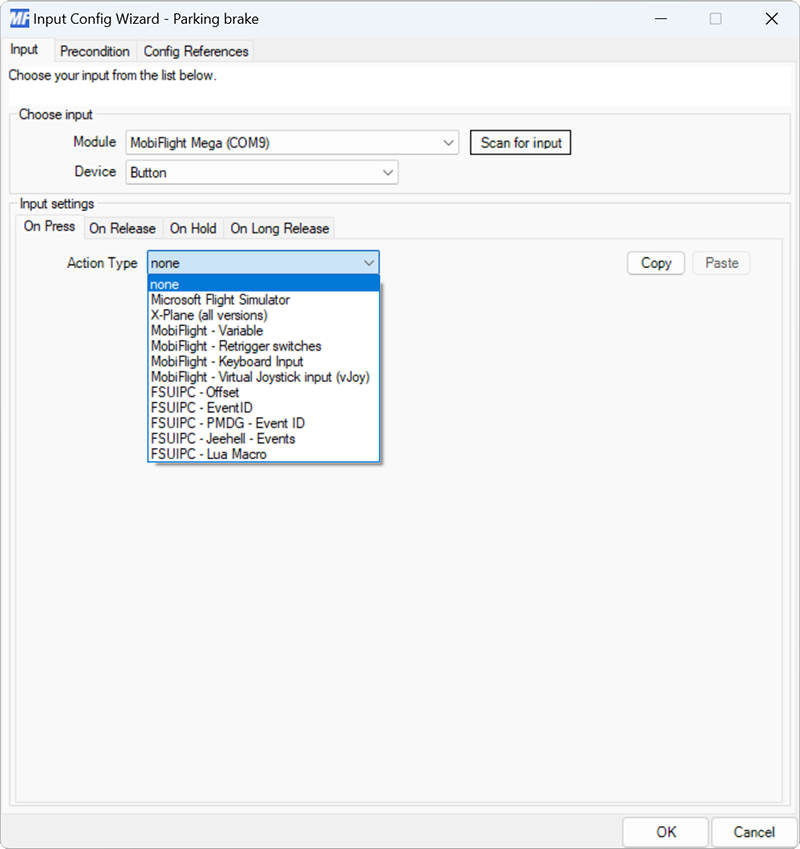
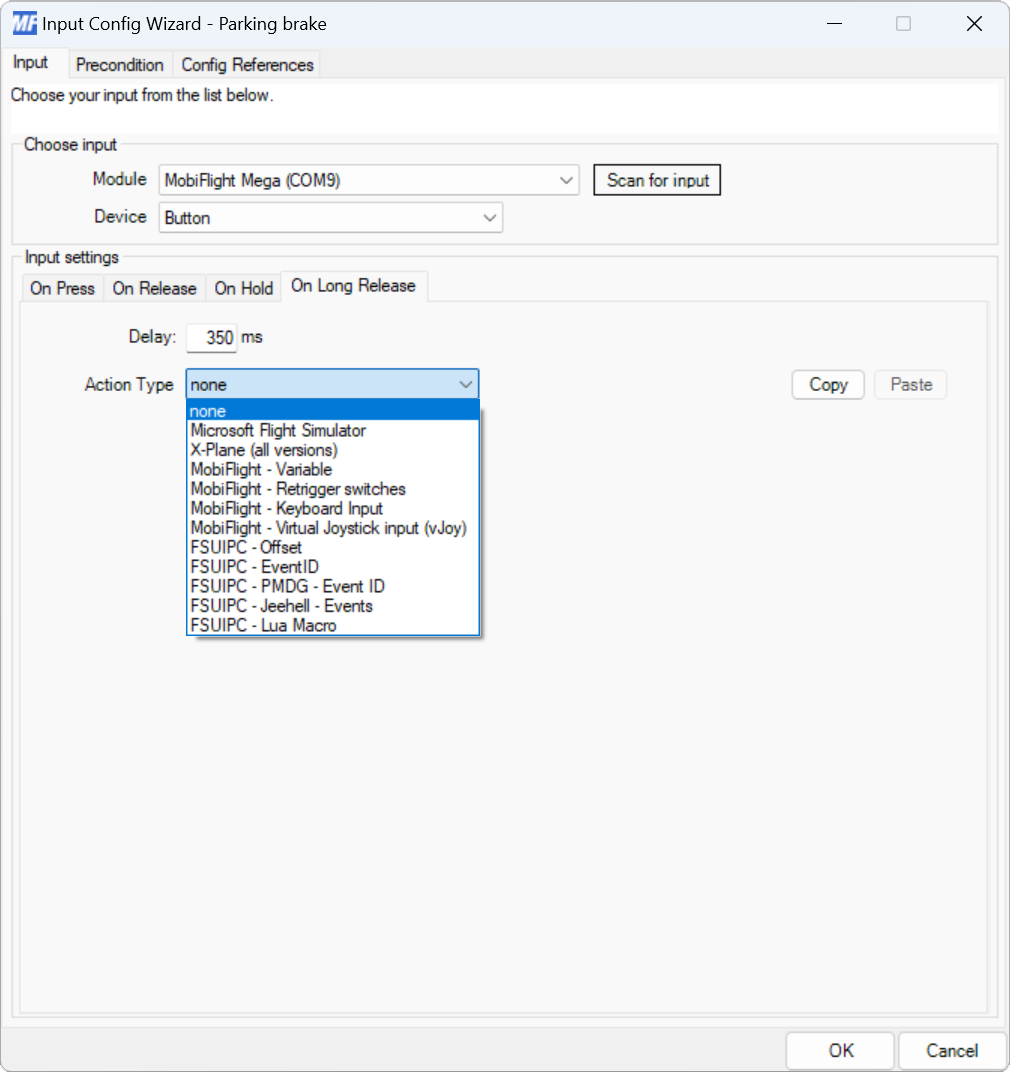
The On Press event fires immediately after the button is pressed.
Tip
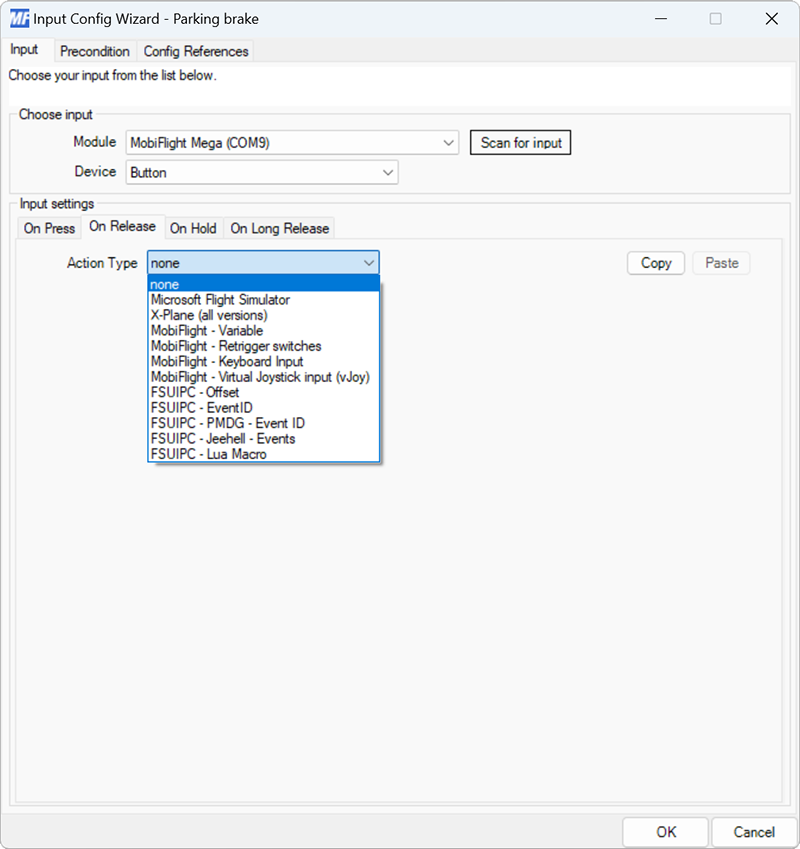
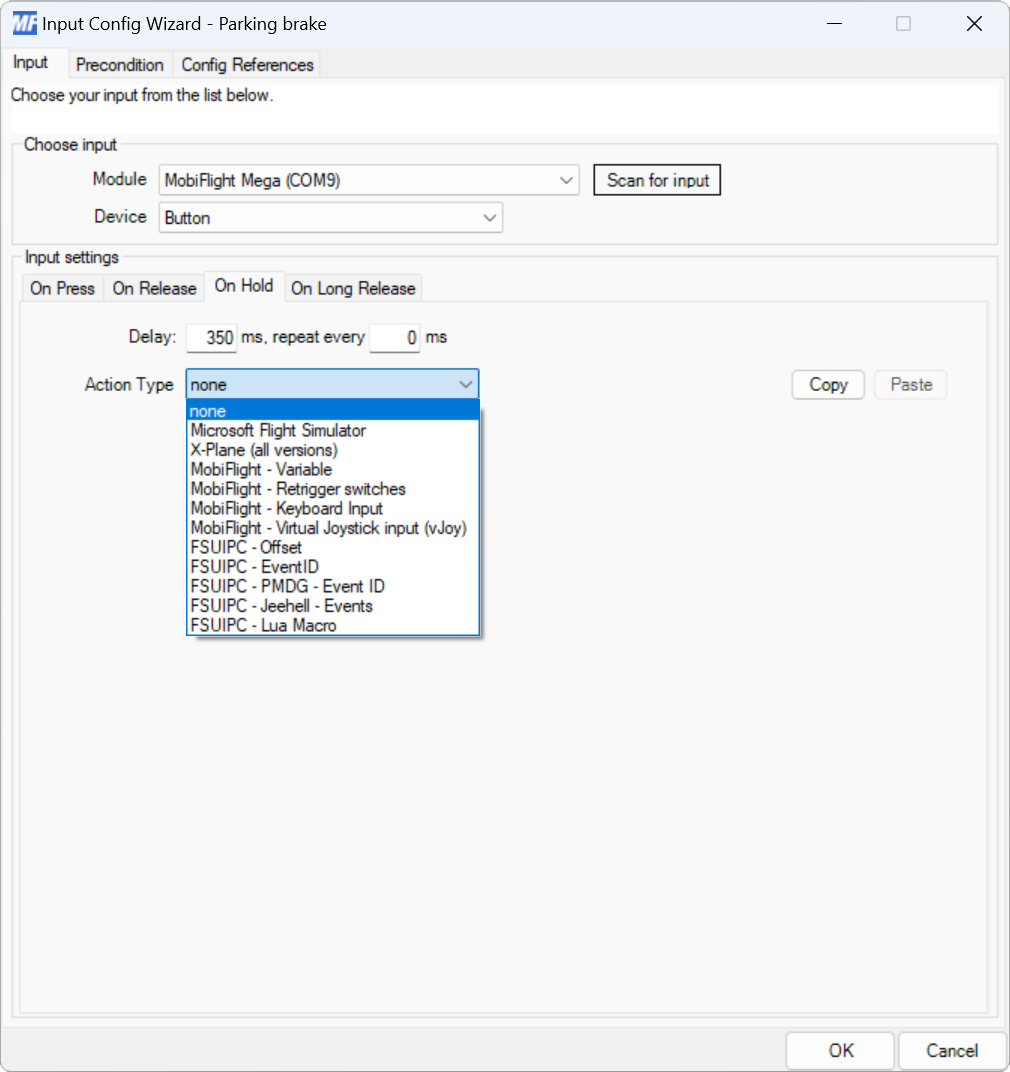
To set a button up with separate commands for short and long press, add one command to the On Release action and the other to the On Hold action. Leave On Press blank, and add an On Long Release action that has a command with empty code configured.
Alternatively, map On Release and On Long Release to the commands, and leave On Press and On Hold un-configured.